

Hooper API
Highlight Clips From Raw Footage
The Hooper API turns a full basketball game recording into vertical highlight clips for every shot on the floor, with every player identified by jersey number. Send footage by upload, public URL or Veo link; get clips back by webhook. Built for products, platforms, and partners.

Who it's for
Building your own app has never been easier, and no one knows your basketball community better than you do. You shape the experience. Hooper brings the video AI that powers it.
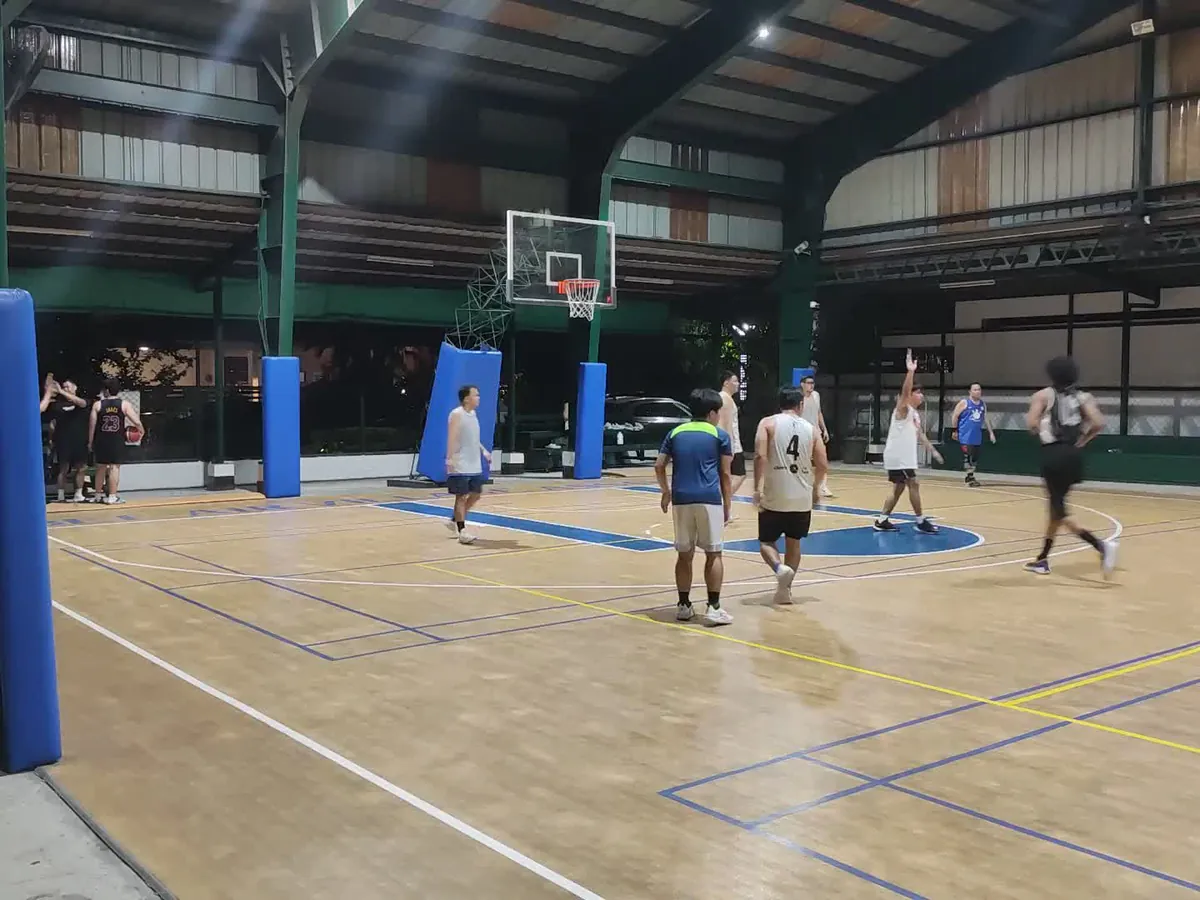
Leagues and federations
Give every player in every game a shareable highlight the same night, from the streams and recordings you already produce.
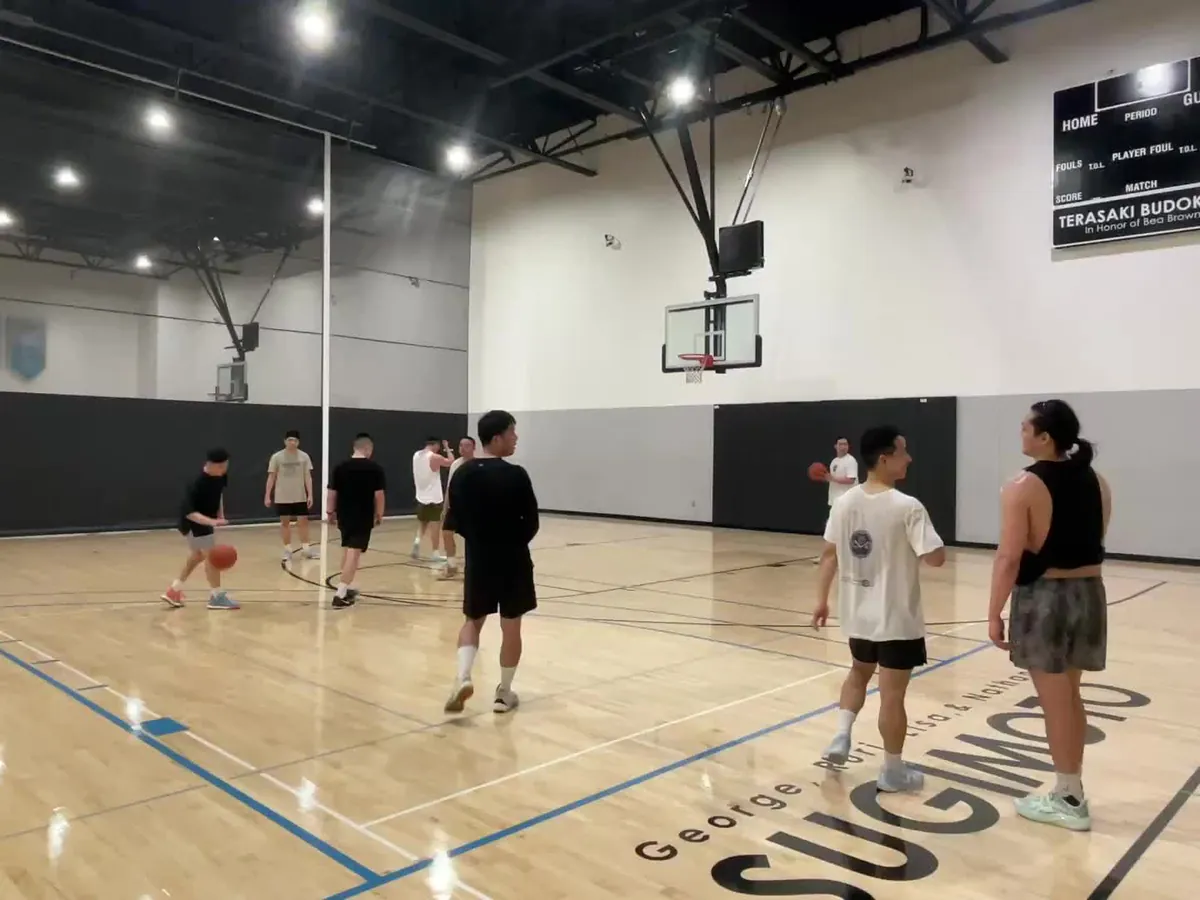
Streaming and camera platforms
Add per-player highlights to your product without building computer vision. Veo links work as a direct input.
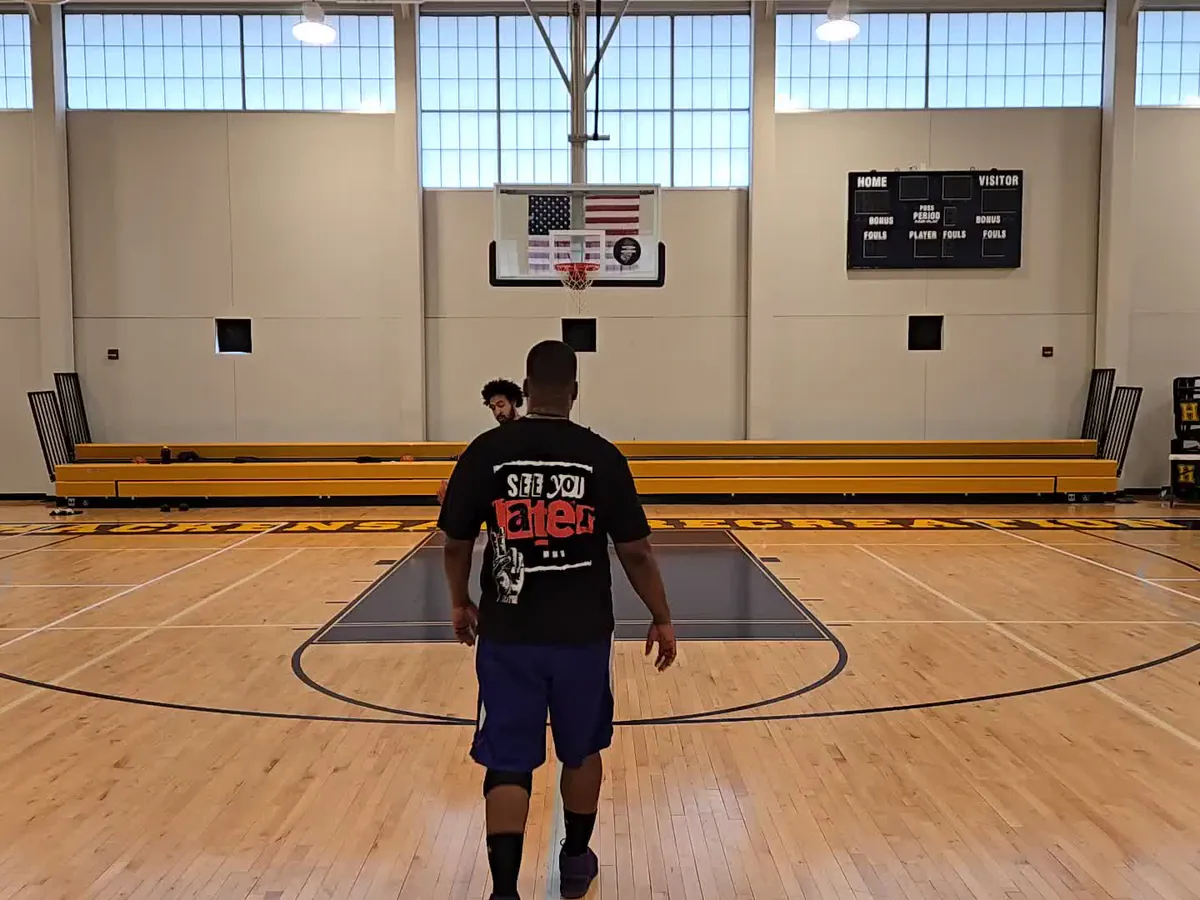
Camps, showcases and training sessions
Send every participant home with their own clips. Jeremy Lin's JLIN NextGen Camp used Hooper's AI film review for its campers.
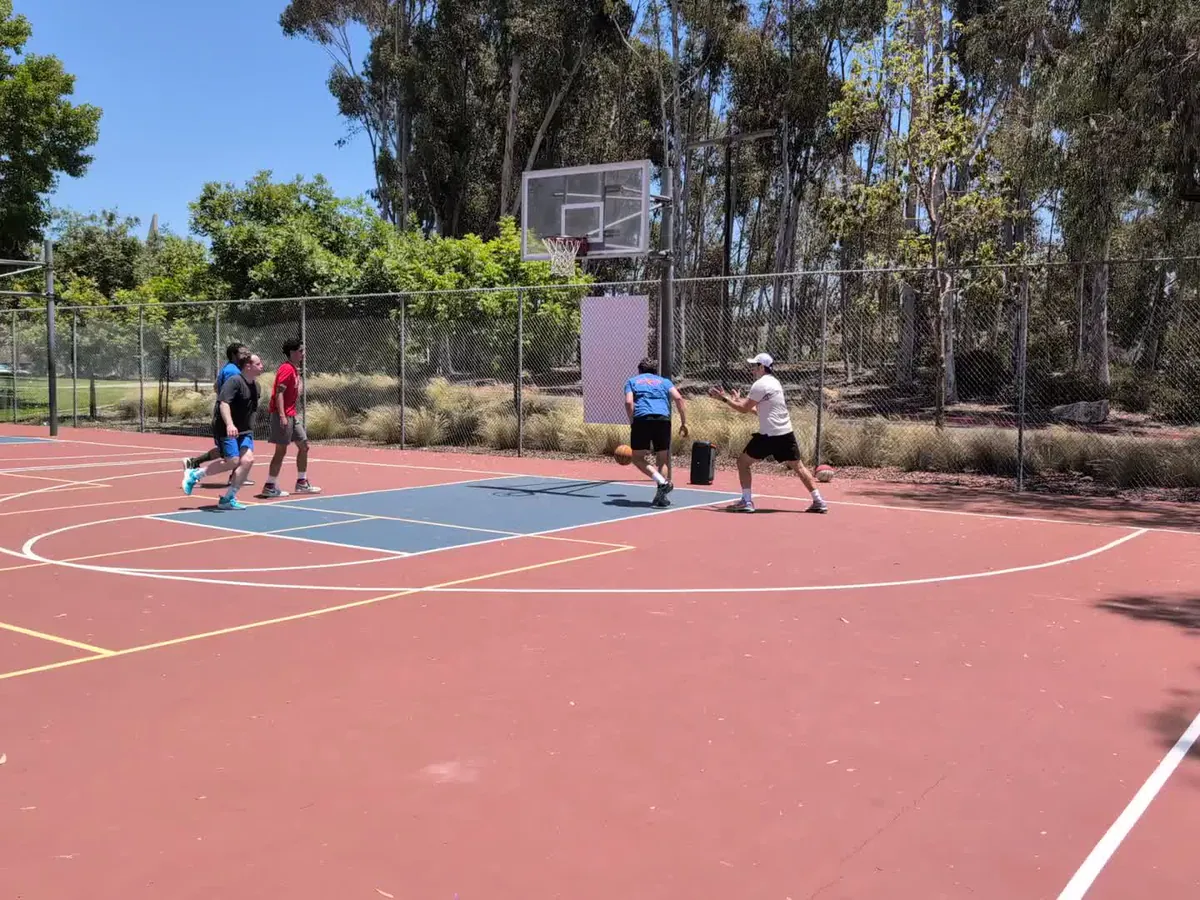
Video and technology partners
If you produce highlights for clubs or leagues by hand today, the API replaces the editing, not your relationship with the client.
Two ways to build
Call the REST API from your backend, or let an AI assistant drive it through MCP.
Plug highlights into your product
Submit a game by upload, video URL, or Veo link. When it's processed, a webhook delivers per-player clips identified by jersey number, plus every shot.
# Submit a game
curl https://api.hooper.gg/v1/sessions \
  -H "Authorization: Bearer $HOOPER_API_KEY" \
  -d '{
    "source": { "url": "https://app.veo.co/matches/g7/" },
    "metadata": { "league_game_id": "finals-g7" }
  }'

# Webhook → session.processed
{
  "highlights": [{ "id": "hl_9f2c", "player": "plr_5" }],
  "players": [{ "name": "Ana", "stats": { "points": 22 } }]
}Ask your games anything
Connect Hooper to Claude, Cursor, or any MCP client. Your assistant can analyze a game, pull clips, and answer stat questions in plain language.
> Who led last night's final in scoring?
  Pull their highlights.

  hooper · list_sessions
  hooper · list_players     sess_18234
  hooper · list_highlights  sess_18234

Ana (#23) led with 22 points on 9/14 shooting,
including 4 threes. Here are her 7 clips ↓
Claim your API key
Keys are self-serve. Set up a developer account in the Hooper Hub and you can make your first request in minutes.
- 01
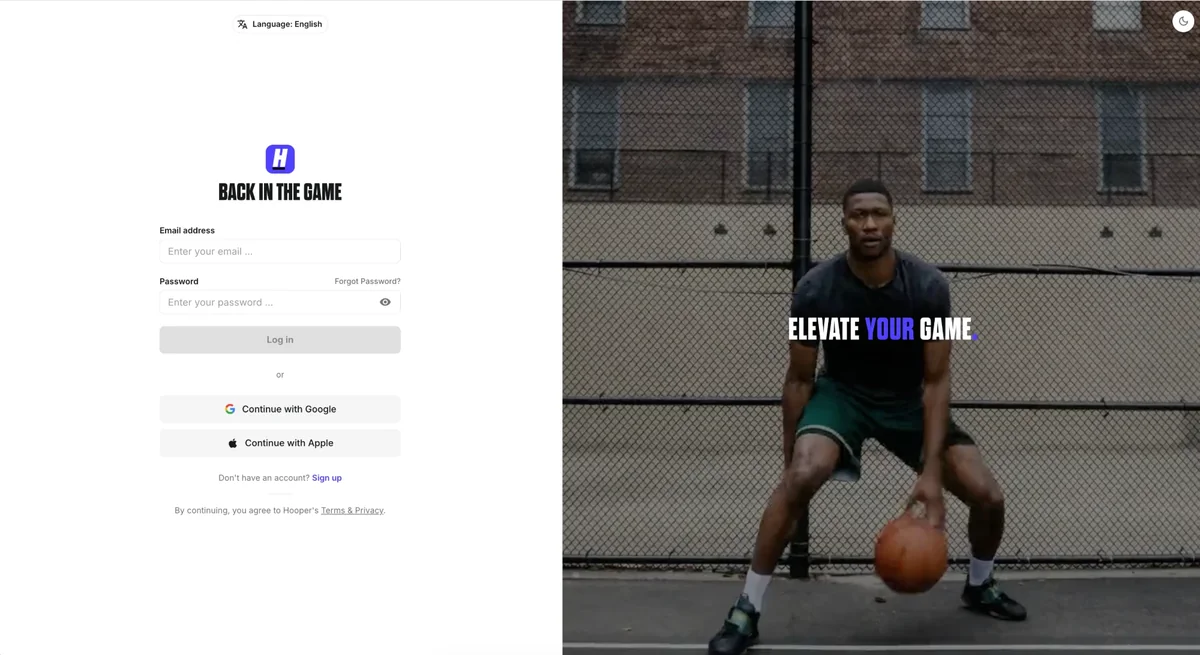
Sign in to the Hub
Open hub.hooper.gg and sign in, or create a free account.
- 02
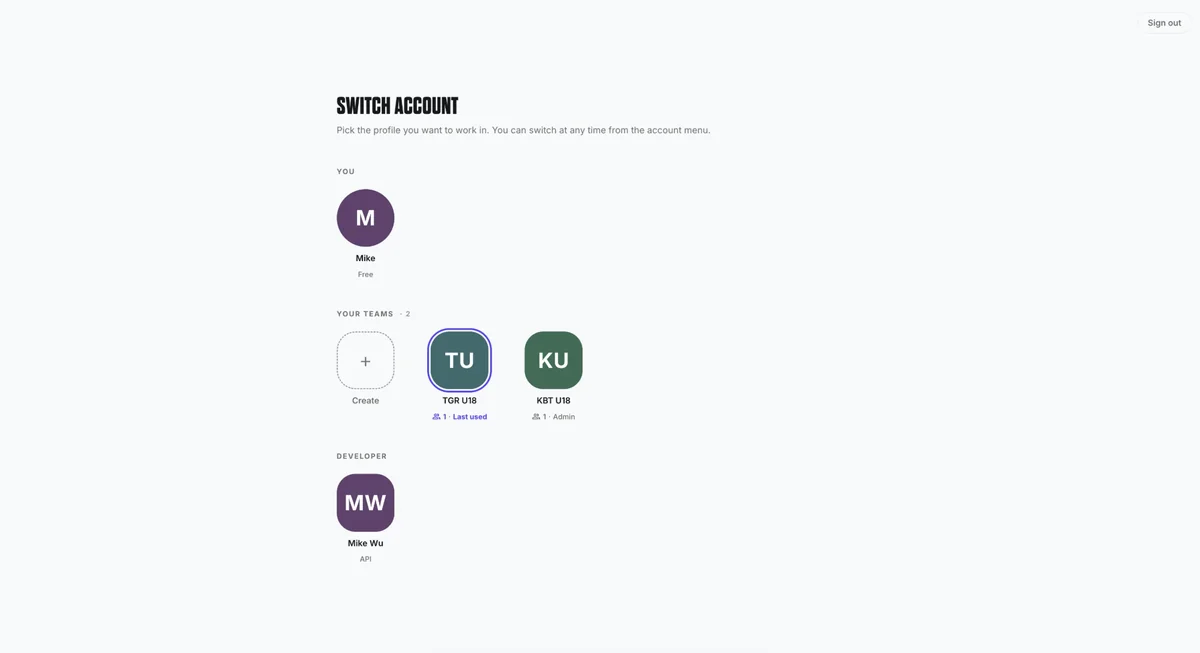
Create a developer account
Open Switch account from the account menu and create a profile under Developer.
- 03
Create an API key
On Get started, choose Create API key. Keys are shown once, so store yours in an environment variable.
# Keys are shown once
export HOOPER_API_KEY="hk_prod_…"
Explore the API
The routes you'll use most, with the request you send and the response you get back.
/v1/sessionsStart processing from an upload, a public video URL, or a Veo link. Returns right away with a queued session.
curl https://api.hooper.gg/v1/sessions \
  -H "Authorization: Bearer $HOOPER_API_KEY" \
  -H "Content-Type: application/json" \
  -H "Idempotency-Key: finals-g7" \
  -d '{
    "source": { "type": "upload", "upload_id": "up_3f9a1c2b7e5d4a08" },
    "metadata": { "league_game_id": "finals-g7" },
    "options": { "session_type": "5v5" }
}'{
"id": "sess_18234",
"object": "session",
"status": "queued",
"created": 1756224000,
"metadata": { "league_game_id": "finals-g7" },
"highlights": {
"object": "list",
"total_count": 0,
"url": "/v1/sessions/sess_18234/highlights"
}
}MCP server
Using Claude, Codex, or AI agents?
Use the Hooper MCP server to build game film into your workflow. Your assistant can upload and submit games, pull clips, and answer questions about them, all with your API key.
Use a dedicated key for assistants: they can spend credits.
claude mcp add --transport http hooper https://mcp.hooper.gg/mcp \
--header "Authorization: Bearer $HOOPER_API_KEY"> Analyze https://app.veo.co/matches/finals-g7/
⏺ hooper - analyze_video (MCP)
video_url: "https://app.veo.co/matches/finals-g7/",
session_type: "5v5"
⎿ { "id": "sess_18234", "status": "queued" }
⏺ Submitted as sess_18234. It'll take a few minutes
to an hour depending on length. I'll check back.API questions
What does the Hooper API take as input?

A full basketball game recording. You can upload the file directly with resumable uploads, give us a public URL, or pass a Veo recording link. Basketball only for now.
What do I get back?
Three things per game: highlights (a clip for every shot in up to seven renditions, including vertical and horizontal cuts and previews), shots (timing, outcome, points, court location, participants), and players (the roster with per-player and team totals).
Do I need a roster or a scoresheet?
No. Players are identified from the video by jersey number, so the API works on games where no acta exists.
Are the clips vertical?
Yes. Every highlight is rendered in vertical renditions for Instagram, TikTok and Shorts, alongside horizontal cuts and previews.
How does pricing work?
Prepaid credits, charged per second of video processed. A credit hold is placed when you submit a game and voided if processing fails. Contact us for rates for your volume.
How do I get access?
The docs are public, and API keys are self-serve. Sign in to the Hooper Hub and create your staging and production keys there. If you'd rather see it first, send us one game and we'll return the clips.
Is there an OpenAPI spec and a webhook?
Yes to both. The OpenAPI specification is linked from the docs, and completed or failed sessions fire signed webhooks you can verify.